10 3D Product Visualization Software Picks
A mattress brand can have accurate specifications, strong materials, and a differentiated comfort story, yet still leave shoppers guessing. The product page may show the top of the bed, but not the foam layers inside it, the quilt pattern, the gusset construction, the ticking texture, or the difference between a soft hybrid and a firmer model. In a showroom, the same problem appears when a retail sales associate has to explain construction without a clear visual aid.
The right 3D product visualization software depends less on a generic feature checklist than on the output you need. A clean packshot, a Digibuns-style layer breakdown, a silhouette, a room scene, a web configurator, an AR experience, and a shared 3D catalog are different jobs. One platform may render a beautiful campaign image while doing little for retailer distribution or product-page implementation.
The shortlist below moves from rapid rendering tools to enterprise visualization platforms. Each review focuses on mattress and soft-goods realities, including fabric detail, variant management, hybrid construction, showroom selling, and ecommerce delivery.
1. KeyShot Studio by Luxion
KeyShot Studio is a practical choice when the immediate need is high-quality mattress imagery without a complicated 3D production environment. Its designer-friendly workflow makes it useful for packshots, campaign stills, turntables, and product reveals, especially when a team already has CAD files for a mattress foundation, adjustable base, or component assembly.
The advantage is speed from approved geometry to usable imagery. A designer can import CAD and common DCC formats, apply physically based materials, and work through lighting in a real-time ray-traced viewport. That's helpful when a bedding team needs to compare a charcoal ticking, a white quilt, or a contrasting gusset without sending every variation into a new photography setup. KeyShot supports more than 30 CAD and DCC integrations, along with OpenPBR, Cryptomatte, a material graph, and animation tools, as documented on the KeyShot Studio product page.
Practical rule: Use KeyShot when the output is primarily a polished image or animation. Don't treat it as a complete product-commerce system.
For mattress brands, the limitation matters. KeyShot isn't a native web configurator. You'll generally export renders, or use KeyShotWeb and XR-related capabilities, while advanced rules and configuration logic may require add-ons or external tools. That makes it less suitable for a retailer-facing catalog with complex size, fabric, comfort, and foundation combinations.
It's a strong fit for Silhouettes, campaign stills, component cutaways, and product-page image sets. For a broader view of how rendering tools fit mattress content production, see 3D product rendering software.
2. Adobe Substance 3D Collection
Adobe Substance 3D Collection earns its place when the visual story depends on material realism. Mattress buyers may not understand every specification, but they can see the difference between a flat textile and a convincing quilt, between generic fabric and a properly represented ticking, or between a clean edge and detailed piping. Substance tools are built for that layer of realism.
Painter, Designer, Sampler, Stager, and Modeler support procedural and physically based material workflows, scan-based material creation, virtual staging, and repeatable variation. That combination is especially useful for bedding ranges with multiple colorways, knit covers, stitch patterns, seam treatments, and trim options. A team can establish a material system and reuse it across a family of mattresses rather than recreating every surface from scratch. The Adobe Substance 3D Collection also includes a substantial library of materials, models, and HDRIs for building controlled virtual photoshoots.
The software is strongest behind the scenes. It's a desktop creation suite, not a native web configurator or customer-facing viewer. It also won't replace a modeling or CAD pipeline when the geometry changes. If a new mattress has a different gusset profile, deeper quilting, or a revised foam-layer structure, the underlying model still needs to be prepared elsewhere.
Where it fits in a bedding pipeline
Substance is a good choice for:
Fabric accuracy: Build convincing ticking, quilting, knits, seams, and wear patterns.
Range consistency: Keep a coordinated visual language across several mattress models.
Variant production: Update materials and finishes without arranging another physical photoshoot.
Staging control: Produce repeatable room scenes with consistent lighting and composition.
For a mattress brand, Substance often works best alongside a renderer or delivery platform. It improves the asset itself, but another tool may still be needed to publish, configure, distribute, or embed that asset.

3. Chaos Cylindo Visual Commerce Platform
Chaos Cylindo fits a mattress business that needs the same approved product content across ecommerce, retail distribution, and showroom selling. It combines 3D asset management with product-page delivery, variant presentation, lifestyle imagery, 360-degree viewers, configurators, and AR in one catalog-oriented system.
The value appears when a range includes multiple comfort levels, heights, ticking options, colors, foundations, sizes, and bundled accessories. Each version can require different imagery, while a disconnected folder of renders makes approval and updates harder. Cylindo's Visual Commerce Platform serves furniture and home categories, so bedroom scenes and room-scale presentation are relevant to mattress merchandising.
For soft goods, the approved 3D master still needs careful preparation. Ticking texture, quilt depth, piping, handles, edge profiles, and hybrid construction should read correctly in close-ups and cutaway views. Those details affect whether a shopper understands the product, particularly when the page must explain foam layers or a coil-and-foam build.
Cylindo supports consistent imagery across channels, including 360-degree and zoom experiences. Its Quickshot capability uses 3D masters for AI-assisted lifestyle image generation. A retailer can place the same mattress in coordinated bedroom scenes, but the brand should review each output for construction accuracy, scale, bedding placement, and claims compliance.
Operational fit and trade-offs
Cylindo is built for production scale rather than casual experimentation. Onboarding, content standards, and an orderly asset pipeline are part of the implementation. Custom pricing also makes it more appropriate for brands or retailers with substantial assortments.
Before choosing it, verify that the workflow supports:
Retailer distribution: Approved imagery and variants for partner channels.
PDP consistency: The same mattress appearance across product pages, advertising, and catalogs.
Room selling: Lifestyle scenes that clarify height, scale, and bedroom fit.
Reusable masters: One approved 3D source feeding multiple commercial outputs.
For a growing manufacturer, the practical test is content governance as well as image quality. Cylindo is a strong enterprise option when variant control, reuse, and retailer delivery must keep pace with the range.
4. Threekit 3D and AR Configurator
Threekit is a better fit when the mattress assortment has structured options, rules, and pricing relationships. A basic render can show one finished bed. A configurator must show the correct product when a shopper changes the cover, firmness, height, foundation, or bundle. It also needs to avoid displaying combinations that the factory doesn't produce.
The platform combines real-time 3D and AR configuration with a Virtual Photographer for automated high-resolution stills. Its rules and pricing logic are particularly relevant to mattress brands that sell through multiple channels or offer more than a simple fixed-SKU assortment. Major ecommerce and CRM integrations can connect the visual experience to the commercial systems around it. Details are available through the Threekit 3D and AR platform.
That connection can reduce the gap between the product database and the product page. When a shopper selects an option, the visual output should match the actual item being sold. That sounds obvious, but mismatches between displayed ticking, available sizes, foundation type, and delivered product can create confusion, sales friction, or avoidable returns.
The best configurator is the one that reflects the factory's real rules, not the one with the most controls.
Threekit isn't self-serve software. Implementation and integration work are part of the decision, and its pricing is aimed at enterprise customers. A brand with a small range and simple product pages may find that heavy configuration infrastructure is unnecessary.
For teams evaluating 3D product configurators, Threekit makes sense when visual accuracy, option logic, approvals, and automated PDP imagery need to operate together.
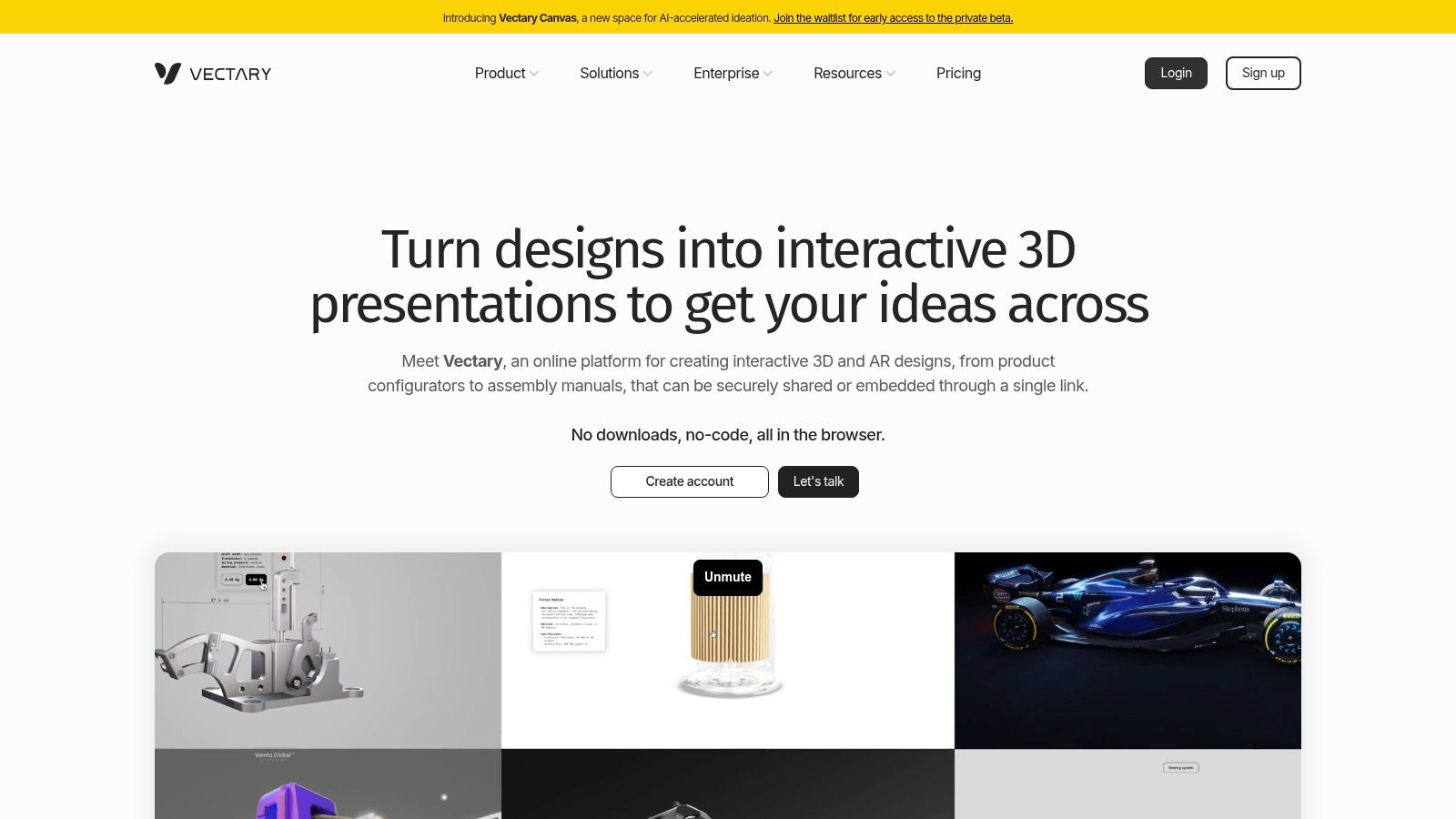
5. Vectary Web-Based 3D and No-Code Configurator
Vectary suits marketing teams that need an interactive mattress experience on a product page without commissioning a full 3D application. Its browser-based workspace covers modeling, materials, lighting, embedded viewers, AR, and no-code configurators. Shopify and WooCommerce connections also make it practical for smaller DTC teams and lean ecommerce operations.
The strongest fit is a controlled variant set. A brand could show ticking color, foundation finish, or a bundle with an adjustable base, then let shoppers inspect the selected combination in the embedded viewer. That adds useful product information when the visual differences matter and the SKU rules stay manageable. The Vectary 3D platform provides access to its viewer, API, and ecommerce functions.
For mattress teams, the trade-off appears in the model itself. Vectary is not a full DCC tool, so building detailed quilt relief, realistic ticking, foam-layer cutaways, or production-ready soft-goods geometry from scratch may require another application upstream. It is better suited to presenting approved assets than replacing specialist modeling and texturing workflows.
Performance needs a place in the rollout plan. A heavy showroom scene or highly detailed hybrid cutaway can load poorly on a shopper's phone, turning a useful interaction into a barrier on the product page.
Where Vectary fits
Use Vectary when the commercial problem is delivery and testing:
Rapid prototypes: Trial an interactive mattress selector before funding a larger implementation.
Simple variants: Present colors, bases, or bundles with limited configuration logic.
Lean ecommerce teams: Let marketers manage approved visual updates without routing every change through engineering.
AR experiments: Test room placement for mattresses or bedroom furniture on supported devices, with related guidance in this AR for furniture resource.
Vectary works best as a fast publishing and prototyping layer. It can support ecommerce pages, showroom demonstrations, and retailer-ready presentations, but complex mattress construction, extensive variant governance, and production-linked asset control may need connected tools. The Vectary (Web-based 3D and No-Code Configurator) interface illustrates that browser-first approach.
6. Sketchfab Embeddable 3D and AR Viewer
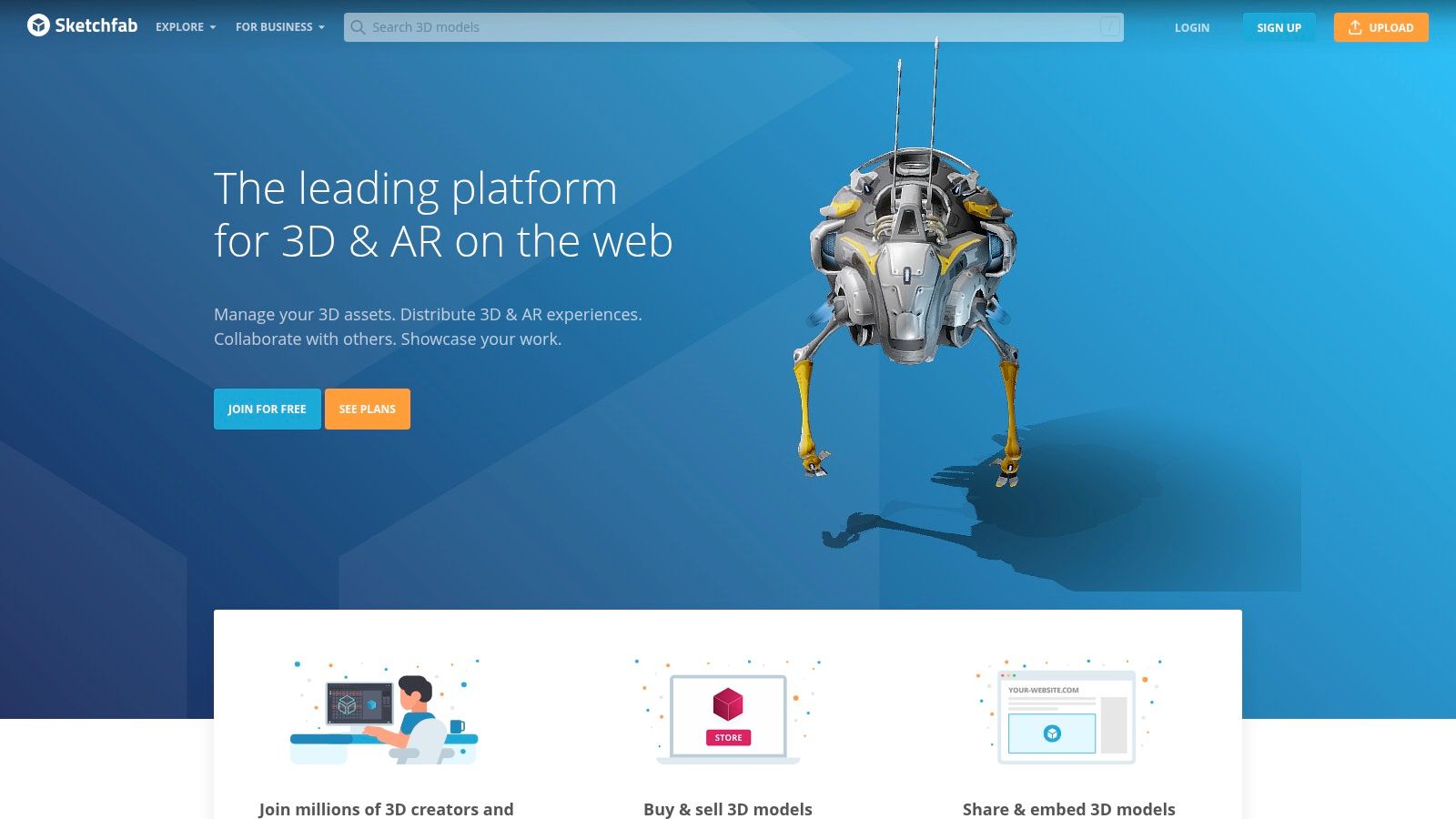
Sketchfab handles hosting, viewing, and sharing, rather than mattress modeling. That makes it useful when a design studio or internal team already creates accurate 3D assets and needs a practical way to publish, review, embed, and distribute them.
For a mattress, the model can show ticking and quilt detail, gusset construction, labels, foundation geometry, or foam-layer components. Annotations let retailers and sales representatives inspect those details in a browser without opening specialist software. Support for glTF and USDZ also covers web delivery and Apple AR Quick Look. Through its 3D viewer and hosting platform, teams can place interactive models on product pages, send assets to retail partners, and manage review links.
The approval workflow is a strong fit for soft-goods production. A manufacturer can share a private model, confirm that the quilting, fabric appearance, component names, and base dimensions match the approved product, then publish the current version. That reduces the risk of sales teams using outdated screenshots from shared folders.
Where Sketchfab fits
Sketchfab adds value after the asset has been built:
Approval reviews: Give product, merchandising, and retail teams a browser-based inspection tool.
Retailer distribution: Share approved models for partner pages, presentations, and training.
PDP interaction: Embed 3D without developing a viewer from scratch.
AR support: Prepare compatible web and mobile formats for product exploration.
It is not a substitute for a configurator or product-information system. Sketchfab will not build a hybrid mattress, create a physically accurate fabric material, or enforce SKU, variant, and price rules. Complex white-label interfaces, integrations, and governance may require API work or higher-tier access. For large variant libraries, establish naming and approval controls upstream before publishing.
Choose export formats with every channel in mind. This guide to 3D graphics file formats can help teams standardize files before retailer and ecommerce distribution.
7. Twinmotion by Epic Games
A mattress can look accurate in a product render and still feel misplaced on a showroom floor. Twinmotion addresses that gap through showroom scenes, retail presentations, and spatial storytelling. Its real-time visualization workflow, connected to Unreal technology, is easier to approach than a full game-engine production pipeline.
Build a bedroom scene, place several beds, adjust lighting, and produce panoramas, videos, or a guided presentation for a retail meeting. This helps buyers and store operators judge how a collection occupies a floor, whether the room supports a premium position, and how an adjustable base appears in a complete bedroom setting.
For soft-goods work, Twinmotion is strongest around context rather than microscopic surface accuracy. It can present ticking colors, mattress proportions, foundation combinations, and bedroom accessories, but detailed quilting, seam construction, and foam-layer cutaways usually need to be prepared in another modeling or material workflow before import.
Scene building includes lighting, weather, path animations, asset libraries, Datasmith workflows, video and panorama output, and presentation mode. The Twinmotion visualization application also gives teams a route toward Unreal if later projects require more advanced interactive development.
Treat it as a presentation and environment tool, not a direct ecommerce configurator. Web deployment is not native, while custom logic, retailer integrations, SKU rules, and variant management require additional tooling. Licensing terms also need review before the company builds a production process around it.
Twinmotion fits mattress selling when the deliverable needs a clear setting:
Showroom layouts: Arrange floor models and supporting furniture coherently.
Sales presentations: Give retail teams a visual story for a new collection.
Room scenes: Show scale, proportions, accessories, and bedroom context.
Animated lighting: Test how different campaign moods affect the scene.
For product detail pages, a lighter viewer or rendered image set is usually easier to distribute and maintain. For showroom selling and sales enablement, Twinmotion communicates context that a floating packshot cannot.
8. Autodesk 3ds Max and Chaos V-Ray
The 3ds Max and V-Ray combination remains appropriate when a project demands maximum control over geometry, materials, lighting, and animation. It's a high-end DCC and renderer workflow, not a quick browser tool, but that depth matters for mattress construction.
A specialist can model detailed quilting, edge piping, gussets, seams, foam-layer cutaways, and soft-goods transitions with much more control than a lightweight platform typically offers. V-Ray adds production rendering, light mixing, denoising, GPU and CPU options, and connections to the wider Chaos ecosystem. 3ds Max contributes polygon and NURBS modeling, modifiers, USD support, plugins, and automation potential. The relevant product pages are Autodesk 3ds Max and Chaos V-Ray.
This toolchain is especially useful for a brand that needs a hero mattress modeled from incomplete or inconsistent source data. A manufacturer may have CAD for the internal support unit but no useful geometry for the quilt surface. A skilled artist can build the missing visual layers, develop a convincing cutaway, and create a scene that remains faithful to the actual construction.
High control only creates commercial value when the production team knows which details shoppers and retailers need to see.
The trade-off is production overhead. 3ds Max has a steeper learning curve than KeyShot or Twinmotion, and the workflow needs pipeline management, file discipline, render resources, and experienced talent. It may be excessive for a simple silhouette, but it's a serious choice for premium campaign work, complex animations, and reusable mattress asset libraries.
9. 3D Cloud by Marxent
A mattress showroom often sells a sleep setup, not a standalone mattress. 3D Cloud by Marxent focuses on retail visualization applications, including room planners, configurators, and customer-facing sales tools. That positioning suits mattress brands working with large retailers, multi-category partners, or stores where the bed must be shown within a complete bedroom.
The platform can support a retailer's 3D catalog, mattress and furniture bundles, and branded planning experience. Its capabilities include catalog management, metadata, analytics, internationalized pricing, integrations, and workflows for ecommerce and in-store use, as described on the 3D Cloud platform.
Its clearest mattress use case is contextual selling. A sales associate can show mattress height, foundation type, headboard compatibility, adjustable-base positioning, and room proportions in one environment. That helps customers assess how the product fits their room, rather than relying only on specifications or a floor model.
The platform also has value for retailer distribution. Approved product data and visual assets can be organized for different brands, bundles, and sales channels, reducing the need to rebuild each presentation separately. That matters when ticking options, quilt patterns, comfort versions, or foundation combinations must remain consistent across partner sites and showroom tools.
3D Cloud fits programs with:
Retail networks: Consistent visual tools across locations and channels.
Bedroom planning: Mattresses shown with foundations, furniture, and room layouts.
Complex assortments: Multiple brands, products, bundles, and metadata.
Sales enablement: A visual aid for associates beyond the floor model.
Enterprise onboarding and customization require time and budget. A small DTC brand may prefer rendered product-page assets and a lightweight viewer, while a substantial retail program can justify the platform through shared catalog management and showroom selling.
10. NVIDIA Omniverse Enterprise
NVIDIA Omniverse Enterprise is for organizations that need a shared, USD-first environment across multiple applications and teams. It's not the first recommendation for a single mattress line or a small ecommerce catalog. It becomes relevant when product design, marketing, retail planning, manufacturing, and digital-twin initiatives need to work from connected scene and asset data.
Omniverse supports real-time physically based rendering, live collaboration across DCC and CAD applications, USD Composer for world building and lighting, connectors, enterprise deployment options, and workflows that can use NVIDIA RTX hardware. The NVIDIA Omniverse Enterprise platform is intended for a broader technical ecosystem than a simple product-page viewer.
For a large bedding organization, the appeal is centralized collaboration. Product teams may manage a mattress foundation and internal components, marketing may need a photoreal scene, retail teams may need a store environment, and training teams may need a cutaway presentation. A USD-based workflow can provide a common structure for those assets while reducing the need to rebuild every scene independently.
The drawbacks are substantial for smaller teams. Omniverse brings an enterprise IT footprint, setup requirements, hardware considerations, and partner-led licensing. It can be overkill for a brand that needs ten approved PDP images and a sales deck.
Choose it when the organization has:
Many contributors: Multiple departments and applications need shared assets.
Large environments: Product lines, stores, factories, and digital twins connect.
Technical infrastructure: IT can support deployment, governance, and integrations.
Long-term pipeline goals: The company wants a central 3D production foundation.
Top 10 3D Product Visualization Tools, Features & Capabilities
Tool | Core features | Best fit / Target audience | UX / Learning curve | Unique selling points | Price / Licensing |
|---|---|---|---|---|---|
KeyShot Studio (Luxion) | Real‑time ray‑traced viewport, PBR materials, CAD/DCC imports, one‑click animations, optional cloud/VR | Marketers & product teams needing fast packshots/PDP imagery | Gentle learning curve; quick setup for non‑3D specialists | Very fast path to photoreal packshots; strong CAD compatibility | Commercial license; subscription or floating options; add‑ons extra |
Adobe Substance 3D Collection | Procedural & scan‑based material authoring, Stager virtual sets, large asset library | Design teams focused on fabric/textile realism and consistent SKUs | Moderate; requires DCC/CAD pipeline knowledge | Best‑in‑class fabric/textile realism; efficient color/fabric updates | Adobe subscription (Creative Cloud / Substance plans) |
Chaos Cylindo (Visual Commerce) | 3D catalog management, 360° viewers, web configurator, AR, automated imagery at scale | Furniture/home retailers and brands with large catalogs | Enterprise onboarding; content standards required | End‑to‑end ecommerce 3D platform; automation for consistent imagery | Custom enterprise pricing (scale‑based) |
Threekit | Real‑time 3D/AR configurator, Virtual Photographer, rules/pricing logic, ecommerce integrations | Brands with complex SKUs and dynamic product rules | Implementation & integration required; enterprise focus | Strong SKU rules/pricing + automated virtual photography | Enterprise pricing; implementation fees |
Vectary | Browser‑based 3D, no‑code configurators, viewer embeds, AR support | Marketers seeking quick embedded 3D; small‑to‑mid businesses | Fast prototyping; low IT overhead; beginner friendly | No‑code configurators, free → paid tiers for scaling | Free tier available; paid plans for advanced features |
Sketchfab | 3D hosting & embeddable viewer, annotations, glTF/USDZ for AR Quick Look, APIs | Distributing/embedding 3D models for retailers, partners, QA | Very low friction to publish and share; not a creator tool | Quick embeds and AR support; simple hosting and sharing | Free to paid plans; team/enterprise tiers for privacy & APIs |
Twinmotion (Epic Games) | Drag‑and‑drop scene building, lighting/weather, animations, video/panorama export | Showroom scenes, store layouts, sales lookbooks and presentations | Easier than full game engines; accessible for non‑technical teams | Fast real‑time visualization for spatial storytelling | Commercial licensing; free/educational options vary |
Autodesk 3ds Max + Chaos V‑Ray | Advanced modeling (polygons/NURBS), production rendering, plugins, animation/FX | Studios needing ultimate control over detailed geometry and VFX | Steep learning curve; requires pipeline and render resources | Industry‑standard toolchain; maximum control and realism | High‑end commercial subscriptions; significant resource costs |
3D Cloud by Marxent | 3D catalog hosting, room planners, configurators, branded sales apps | Big‑box retailers and home brands for planners and bundle selling | Custom enterprise onboarding; tailored deployments | Retail‑focused planners and in‑store/ecommerce sales tools | Enterprise/custom pricing |
NVIDIA Omniverse Enterprise | USD‑native collaboration, real‑time PBR, DCC/CAD connectors, RTX acceleration | Large enterprises needing multi‑app collaboration and digital twins | Steep setup; enterprise IT footprint and deployment | Centralized USD pipeline; live multi‑team collaboration and simulation | Enterprise licensing; hardware (RTX) considerations |
Turn the Shortlist Into a Mattress Visualization Workflow
Choosing 3D product visualization software starts with the output, not the software license. A mattress manufacturer may need a clean Silhouette for retailer feeds, a Digibuns-style cutaway for a product page, and Room Scenes for a launch campaign. A DTC brand may need an embedded viewer or AR preview. A large retailer may need a shared catalog, room planner, pricing logic, approvals, and distribution across many channels.
Write the required outputs down before reviewing platforms:
Packshots and campaign stills: Start with KeyShot or a 3ds Max and V-Ray workflow.
Material realism: Add Adobe Substance 3D when ticking, quilt, knit, seam, or finish accuracy carries the story.
Web delivery: Use Sketchfab or Vectary when the main need is an accessible embedded viewer.
Configuration: Consider Threekit when options, rules, pricing, and automated imagery must stay synchronized.
Retail visualization: Look at Cylindo or 3D Cloud when room scenes, catalog scale, and partner distribution matter.
Enterprise collaboration: Reserve Omniverse for connected, multi-team pipelines and broader digital-twin requirements.
The market context supports treating this as an infrastructure decision rather than a one-off creative purchase. The visualization and 3D rendering software market was valued at USD 2.20 billion in 2022 and is projected to reach USD 17.38 billion by 2030, with a projected 30.6% CAGR from 2023 to 2030, according to Grand View Research's market analysis. That growth doesn't tell a mattress brand which tool to buy, but it does show why cloud delivery, reuse, and workflow integration deserve attention alongside image quality.
Start with one representative mattress, not the easiest one. Choose a model with difficult quilt geometry, a visible gusset, multiple foam layers, and hybrid construction. Audit the CAD, BOM, material references, approved dimensions, comfort claims, and retailer requirements. Then test the complete path from model creation to final PDP, retailer feed, showroom presentation, and sales training asset.
The final question is whether the visual system reduces repeated work. A render that appears once in a launch deck has limited value. The same approved mattress model, adapted into a Digibuns layer breakdown, Silhouette, Room Scene, product-page image set, retailer asset, and sales presentation, has a much stronger place in the operating workflow. That's also where scaling product video production can fit, particularly when approved 3D assets need to support more campaign formats.
Bedhead Marketing works exclusively with the mattress and bedding industry across manufacturers, brick-and-mortar and ecommerce retailers, private-label brands, and sleep-product startups. Its 3D studio develops mattress-specific Digibuns, Silhouettes, and Room Scenes, while its marketing services connect those assets to SEO, paid media, product-page optimization, and sales enablement. Teams that need education around the commercial and technical side can also explore Bedhead University.
For industry professionals, Bedhead Network is free at www.BedheadNetwork.com. It provides marketing insights, news updates, networking, training resources, an industry directory, and business tools for mattress manufacturers, retailers, component suppliers, RSAs, and other bedding professionals.
If your mattress imagery doesn't clearly explain the product, Bedhead can turn your specifications into accurate Digibuns, Silhouettes, and Room Scenes for ecommerce, retail distribution, and sales training. Visit BEDHEAD to discuss a mattress-specific visualization workflow alongside SEO and product-page optimization.